Spend less,
play better
Work out what your money actually buys before you spend it. Free calculators that price a build, estimate your frame rate, and say plainly when a part is not worth what it costs.
Most read this month
All guidesThe ones people keep coming back to, not just the newest.
Browse by category
Start wherever your problem is.
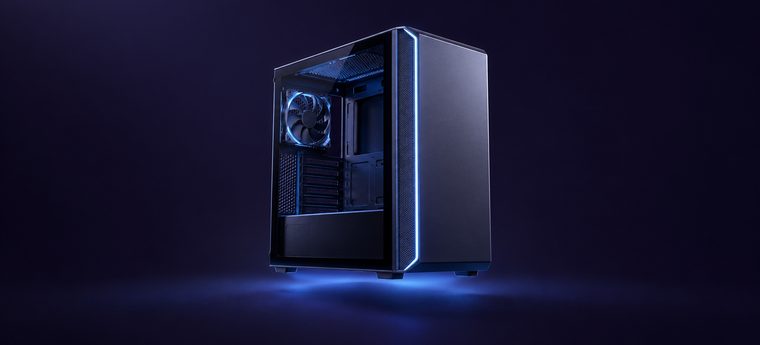 24 guides
PC buildsParts lists from $450 to $1,800, with the reasoning behind every choice.See the builds→
24 guides
PC buildsParts lists from $450 to $1,800, with the reasoning behind every choice.See the builds→
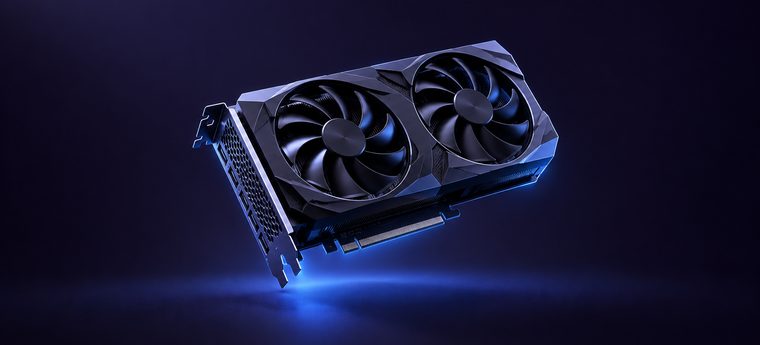 18 guides
Graphics cardsWhich card for which resolution, VRAM limits, and what a tier score means.Compare cards→
18 guides
Graphics cardsWhich card for which resolution, VRAM limits, and what a tier score means.Compare cards→
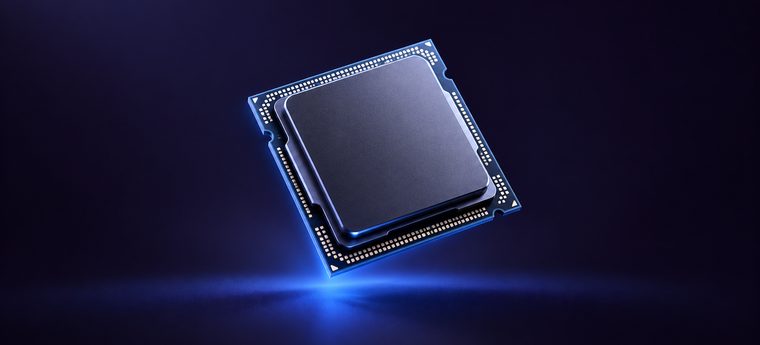 12 guides
ProcessorsCores against clock speed, and when the CPU is what's holding you back.Compare processors→
12 guides
ProcessorsCores against clock speed, and when the CPU is what's holding you back.Compare processors→
 19 guides
HandheldsDevices sorted by the systems they can run, not by the chip on the box.Find a handheld→
19 guides
HandheldsDevices sorted by the systems they can run, not by the chip on the box.Find a handheld→
 16 guides
EmulationWhat each console generation needs, and the settings that fix stuttering.Check requirements→
16 guides
EmulationWhat each console generation needs, and the settings that fix stuttering.Check requirements→
 21 guides
SoftwareFree tools, driver settings, upscaling, and where your frames quietly go.Get the frames back→
21 guides
SoftwareFree tools, driver settings, upscaling, and where your frames quietly go.Get the frames back→
 14 guides
StreamingBitrate, encoders and capture, worked back from your upload speed.Set up your stream→
14 guides
StreamingBitrate, encoders and capture, worked back from your upload speed.Set up your stream→
 11 guides
Monitors and audioRefresh rate, response time, and headsets that are worth the money.See the picks→
11 guides
Monitors and audioRefresh rate, response time, and headsets that are worth the money.See the picks→
 15 guides
FixesStutter, crashes, bad frame rates on good hardware. Mostly free to solve.Fix it→
15 guides
FixesStutter, crashes, bad frame rates on good hardware. Mostly free to solve.Fix it→
Still not sure where to start?
Twelve questions about your setup, and you get the one part that's holding you back.
Four tools, one hardware table
All four read the same 24 graphics cards and 16 processors, so they can't contradict each other. Free, no sign-up.
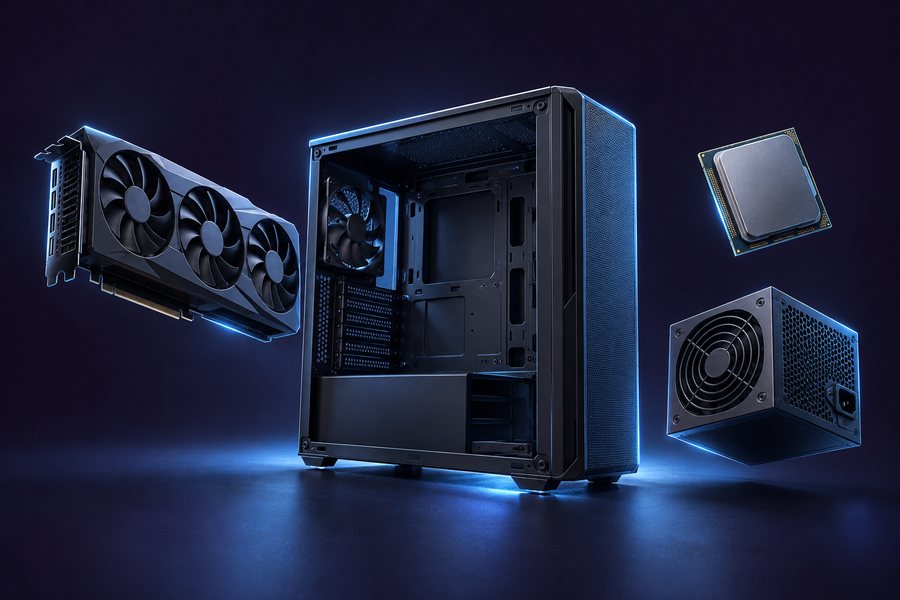
Find out if it fits, and what it draws
Pick a processor and a graphics card and it checks they belong together, then adds up what the whole machine pulls under load. The power supply figure already has headroom in it.
- Flags socket mismatches before you spend money
- Warns when the graphics card is too far ahead of the processor
- PSU figure includes 40% for transient spikes and upgrades

See the frame rate before you buy the part
Gives you a frame-rate range for a specific pairing at your resolution and settings, and names which component is actually holding you back. It models the processor as a ceiling, because that's how CPU limits behave in practice.
- Every figure is a range with a stated 15% margin
- Shows the same parts across 1080p, 1440p and 4K at once
- Tells you when a settings change is cheaper than a new card

Two parts, identical rows, no marketing
Puts two graphics cards or two processors side by side on exactly the same rows, including frames per dollar. When the gap is too small to notice, it says so rather than picking a winner.
- Tier scores on a 0 to 100 scale, not synthetic points
- Price bands rather than exact prices, so they stay accurate
- Frame-rate estimates for both at every resolution

Check the games you actually play
Thirty-one of the most-played PC games checked against your parts at your resolution, sorted by result. Deliberately not a full catalogue — a short list that stays accurate beats a long one that rots.
- Three clear bands instead of a pass or fail
- Tells you whether the card or the processor is the limit
- Upscaling typically moves a result up one band
Questions people actually ask
Short answers here, the long version one click away. Including the two most sites never answer.
How much should I spend on a gaming PC?
$700 to $800 is the right answer for most people. That buys a new, fully warrantied build that runs current games at 1080p on high settings and holds above 100 fps in competitive titles.
Below $600 you're buying used parts and accepting compromises. Above $1,500 each extra $500 buys roughly 20% more performance, and that pattern continues all the way up.
Is buying a used graphics card risky?
Less than people say. Graphics cards rarely fail quietly — they either work or they don't, and you find out within ten minutes.
Test it before you pay, avoid anything with a snapped bracket or a repainted cooler, and don't buy from someone who won't let you run it. The part never to buy used is the power supply, because a failing one can damage everything attached to it.
Is my processor bottlenecking my graphics card?
At 1080p, often. At 1440p and above, rarely.
The test that settles it: raise your resolution and watch the frame rate. If it barely moves, the processor is the limit. If it drops, the graphics card was. The FPS estimator shows where that line falls for a specific pairing.
How big a power supply do I need?
Add the rated power of your processor and graphics card, add about 90W for everything else, then add 40%. A typical mid-range build lands between 500W and 650W.
The wattage number is the least important part of the decision. A 650W unit from a well-reviewed platform is a better buy than an 850W unit from a brand you've never heard of.
Is 8GB of VRAM still enough?
At 1080p, yes, for now. At 1440p with high textures, several 2025 and 2026 releases stutter on 8GB cards no matter how fast the chip is.
If you're buying new above $350, treat 12GB as the floor. VRAM is the one spec that can't be worked around with settings once you're short of it.
Why is my frame rate bad on a good PC?
Usually one of four things, and all four are free to fix: an overlay you forgot was running, a monitor still set to 60Hz in Windows display settings, a power plan left on Balanced, or a game running on the wrong GPU on a laptop.
Check those before you spend anything. They account for most of the "my new build feels slow" posts.
Can I actually game on a laptop?
Yes, but the same graphics card name means much less inside a laptop. Manufacturers set their own power limits, so two laptops with identical listed specs can be 30% apart in real performance.
Look up the specific model's wattage, not the chip name. It's the number that decides what you're actually getting.
What upload speed do I need to stream?
Set your bitrate to about 70% of your measured upload, and never above 80%. Below 6 Mbps upload, 1080p60 isn't realistic. Between 6 and 10 Mbps it works at 6000 kbps as long as nothing else on the network is busy.
Upload speed is the ceiling on stream quality, and it's the one part you can't buy your way out of with better hardware.
Which handheld can run GameCube?
Around $280 and up. Under $200 gets you reliable GBA, SNES and most PS1. GameCube and PS2 need a real jump in chip class.
Emulation performance moves in steps rather than smoothly — a device either clears a system or it doesn't, and that line barely shifts year to year. That's why this site sorts handhelds by what they run rather than by chip name.
Does upscaling actually help?
At 1440p and 4K it usually gains you a full performance tier for very little visible cost. At 1080p there's less source detail to work with and artefacts show up more readily.
Use Quality mode rather than Performance unless you're desperate. And in the game checker, turning on upscaling typically moves a result up one band.
Are your numbers benchmarks or estimates?
Both, clearly separated. Anything from the tools on this site is an estimate with a stated margin, usually around 15%, built from relative tier scores rather than absolute benchmark figures.
Numbers in articles come from three runs of the same scene, reported as a range with the 1% low stated separately. If a figure is an estimate, the page says so next to it.
Do you get paid for recommendations?
No placement is ever paid for. When a link earns a commission it's marked on the page it appears on, not buried in a footer.
Nothing here is sent free by a manufacturer. If a unit ever is supplied, that's stated in the first paragraph of the piece. The full methodology covers how testing and disclosure work.
Still stuck? The four tools answer most of the rest, or start with the build guides.
What's worth buying, what dropped in price, and what got corrected. No spam, unsubscribe in one click.